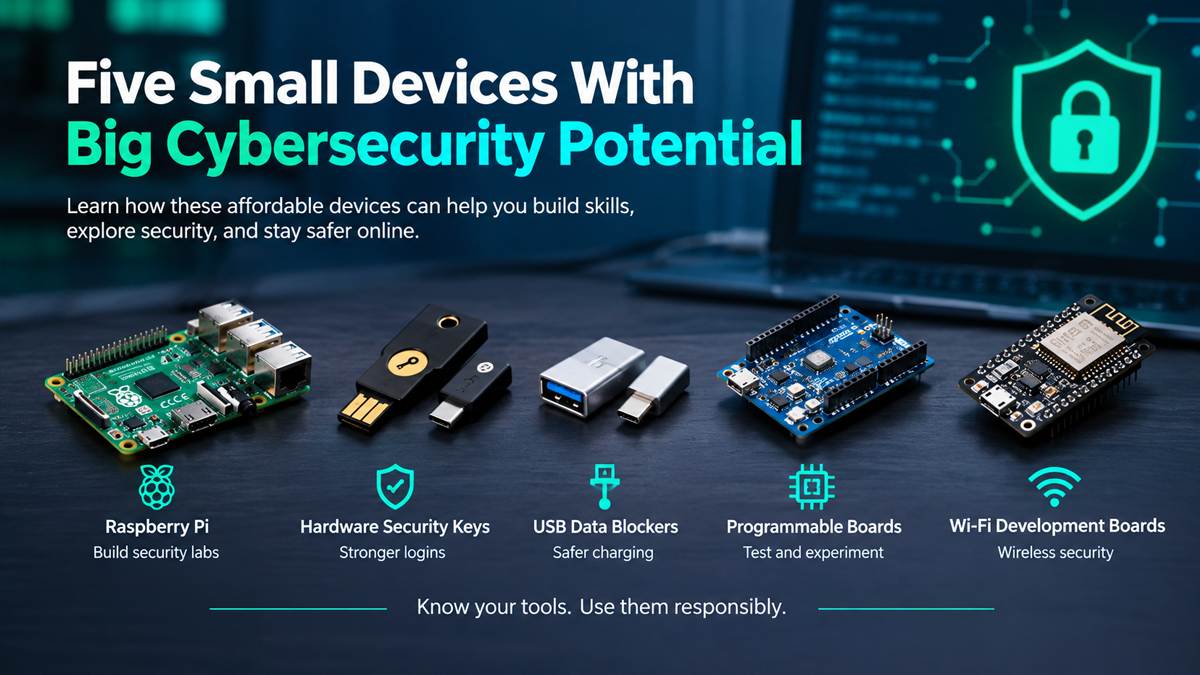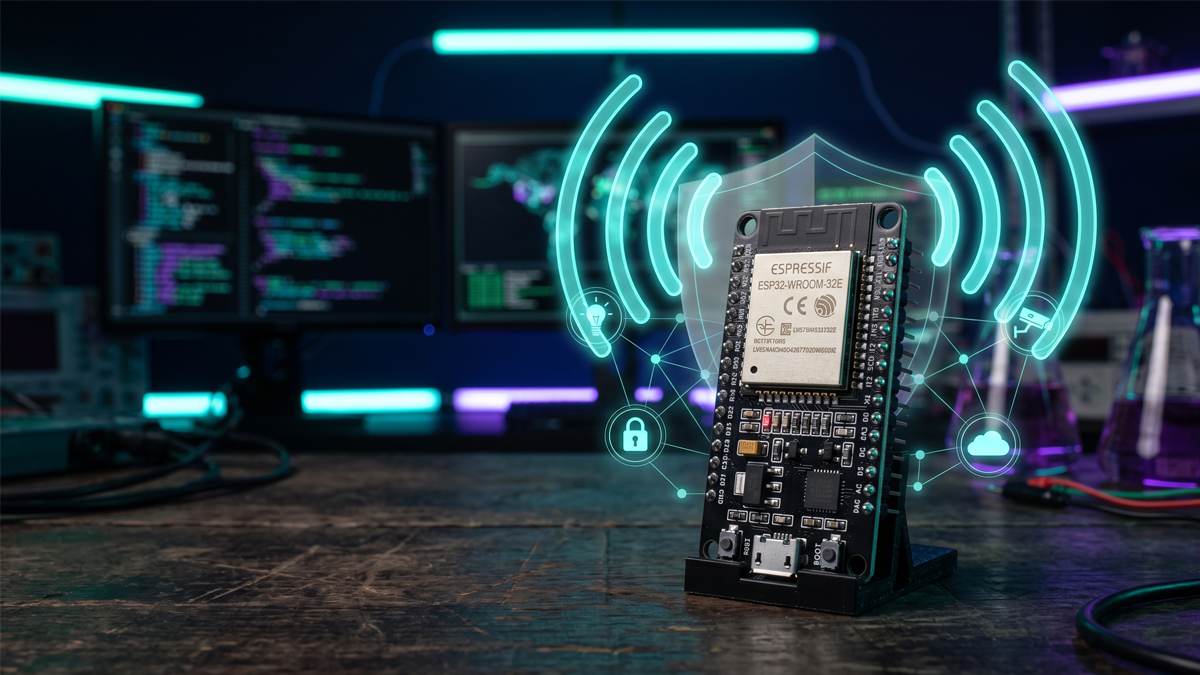




Software tells only half the security story. Wireless signals, access cards, USB ports, and IoT sensors live in the physical world, and the best way to understand their weaknesses is to hold them in your hand. This guide covers six of the most useful cybersecurity devices for beginners, from a pocket multi-tool to a bare microcontroller board.
All six are legal to own in most places and genuinely educational, but none is a magic hacking box. Use them only on equipment you own or are explicitly authorized to test.
What Can Hardware Teach a Cybersecurity Enthusiast?
Hardware makes abstract ideas concrete. You can see how a Wi-Fi network announces itself, why older 125 kHz access cards are weak, how a sensor talks over I2C or UART, and what an IoT gadget broadcasts when nobody is watching. You also learn defensive lessons: why default passwords, unencrypted protocols and unsigned firmware matter. These skills transfer directly to IoT security, wireless assessment, embedded development and home-lab building.
6 Cool Cybersecurity Devices
1. Flipper Zero: The All-in-One Learning Tool
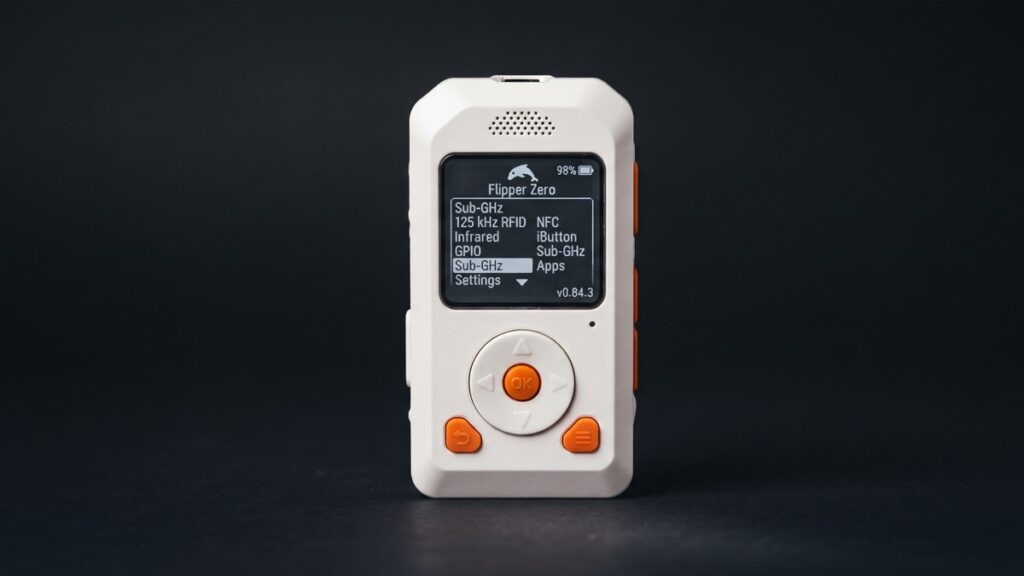
What it is: A pocket-sized, battery-powered multi-tool built on an STM32WB55 microcontroller, designed for exploring access control systems and radio protocols.
Key features: Flipper’s documentation covers a Sub-GHz radio (with regional frequency limits), 125 kHz RFID, 13.56 MHz NFC, infrared, iButton, GPIO pins, USB and Bluetooth LE. It has no built-in Wi-Fi; an optional Wi-Fi dev board adds it.
What you can learn: How RFID, NFC, infrared and Sub-GHz protocols work, and why some are far weaker than others.
Project ideas:
- Read and catalogue your own tags and remotes.
- Save your own TV’s infrared commands.
- Connect a sensor through the GPIO pins.
- Compare a legacy 125 kHz card with a modern NFC card.
Limitations: It does not magically bypass modern rolling-code or well-secured systems, and radio transmission is regulated by region.
Best for: Beginners who want a polished, ready-to-use device with a large community.
2. M5StickC Plus2: A Pocket-Sized ESP32 Lab
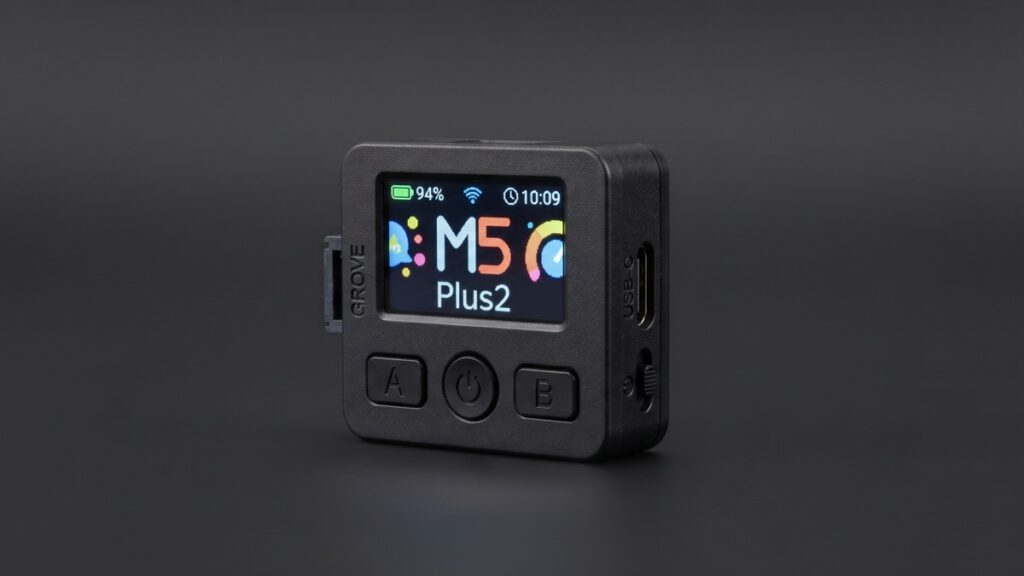
What it is: M5Stack’s compact IoT development kit, built on an ESP32-PICO-V3-02 (240 MHz dual core, 2 MB PSRAM, 8 MB flash).
Key features: A 1.14-inch 135×240 color display, six-axis IMU, microphone, infrared emitter, real-time clock, buzzer, three buttons, a 200 mAh battery and a Grove port. M5Stack’s documentation lists Wi-Fi as its connectivity. It supports Arduino, MicroPython/UIFlow and ESP-IDF.
What you can learn: Embedded programming, wireless scanning and sensor handling. Community security firmware exists for this device, so read the code and the legal notes before flashing anything.
Project ideas:
- A Wi-Fi scanner for your own lab network.
- An infrared remote for your own devices.
- A motion-triggered tamper alert using the IMU.
- A tiny status display for a home-lab sensor.
Limitations: Small battery and screen, and no built-in Sub-GHz or NFC radio; those need add-on modules.
Best for: Makers who enjoy writing code.
3. ESP32: The Wireless Engine Behind Countless IoT Devices
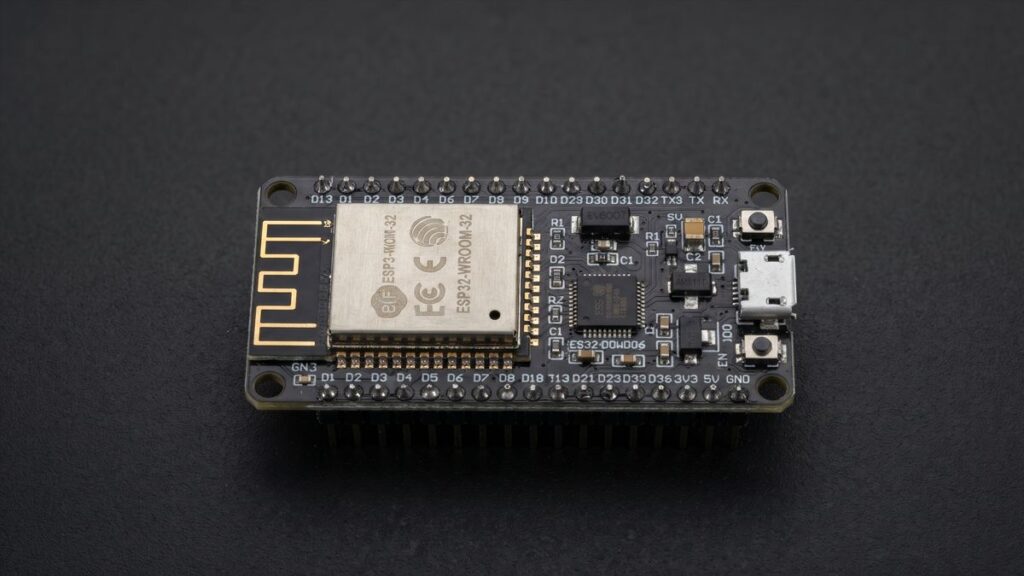
What it is: Espressif’s family of Wi-Fi and Bluetooth microcontrollers, found in many commercial IoT products and development boards.
Key features: The original ESP32 combines 2.4 GHz Wi-Fi (802.11 b/g/n) with Bluetooth v4.2 BR/EDR and Bluetooth LE. Capabilities vary by model: the ESP32-S2 is Wi-Fi only, while the ESP32-C3 and ESP32-S3 pair Wi-Fi with Bluetooth LE.
What you can learn: Wi-Fi and BLE fundamentals, firmware development and IoT security design.
Project ideas:
- A BLE scanner that shows what your own devices broadcast.
- A Wi-Fi network monitor for your lab.
- A sensor node with authenticated, encrypted communication.
Open-source wireless analysis firmware such as ESP32 Marauder exists, but it includes active features. Run it only on networks you own. Protections like WPA3 and Protected Management Frames also limit some older techniques.
Limitations: Bare boards need wiring and coding, and the original ESP32 is 2.4 GHz only.
Best for: Developers and tinkerers.
4. ESP8266: The Budget Wi-Fi Veteran
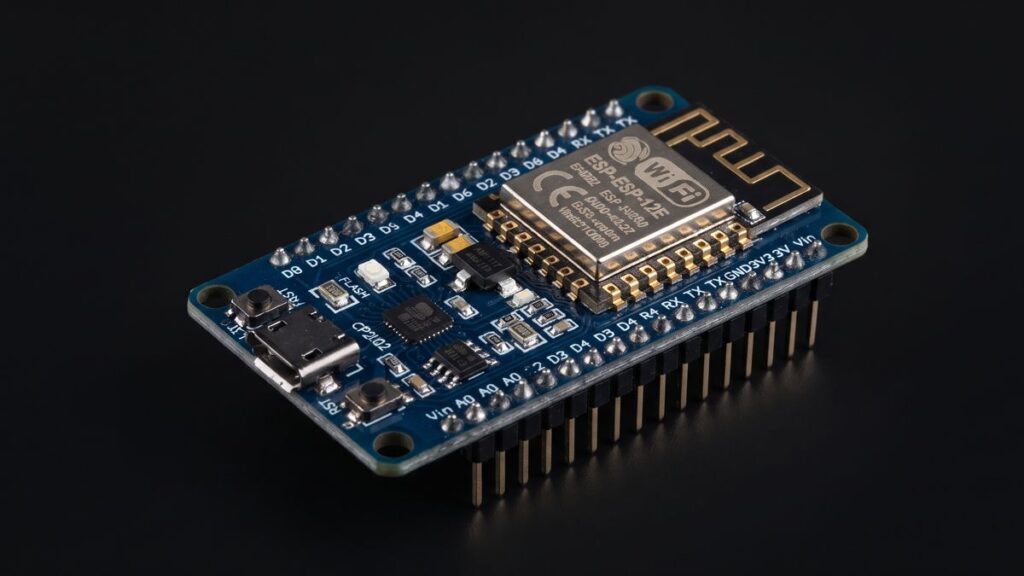
What it is: Espressif’s earlier low-cost Wi-Fi microcontroller, with an integrated 32-bit MCU and TCP/IP stack.
Key features: 802.11 b/g/n Wi-Fi at 2.4 GHz (up to 72.2 Mbps), with station, SoftAP and promiscuous modes. It has no native Bluetooth.
What you can learn: Wi-Fi basics, tiny web servers and why cheap IoT devices are often insecure.
Project ideas:
- A scanner listing nearby networks and their encryption types.
- A small web server on your lab network.
- A sensor reporting to a local MQTT broker.
- An over-the-air update experiment on your own device.
Limitations: Older and more memory-constrained than the ESP32, so encrypted connections are tighter to run, and it has no Bluetooth.
Best for: Inexpensive, Wi-Fi-only experiments.
5. Raspberry Pi: A Full Linux Computer for Your Security Lab
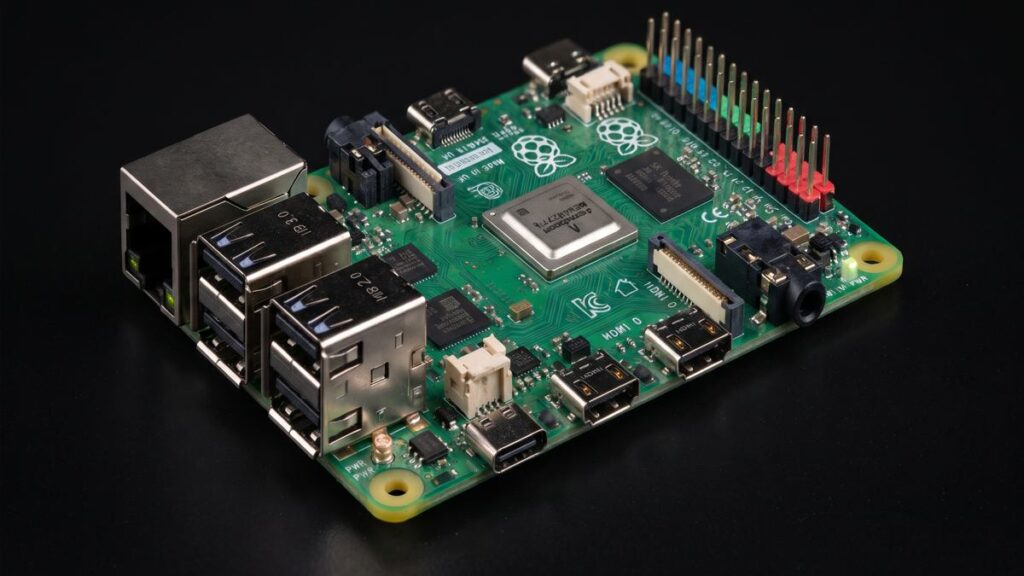
What it is: A low-cost single-board computer that runs Linux, including Raspberry Pi OS, with GPIO pins for hardware projects.
Key features: A complete operating system, networking, Python tooling and GPIO. Specifications vary by model, so check the official documentation for yours.
What you can learn: Linux administration, networking, traffic monitoring and defensive security.
Project ideas:
- A Pi-hole DNS filter for your home network.
- A honeypot that logs connection attempts.
- A small network monitoring probe.
- An intentionally vulnerable practice target in an isolated lab.
Limitations: Less powerful than a laptop, ARM-based (some tools expect x86), and it needs a good power supply and storage.
Best for: Anyone building a home lab or learning Linux.
6. Raspberry Pi Pico: Microcontroller Basics Without an OS
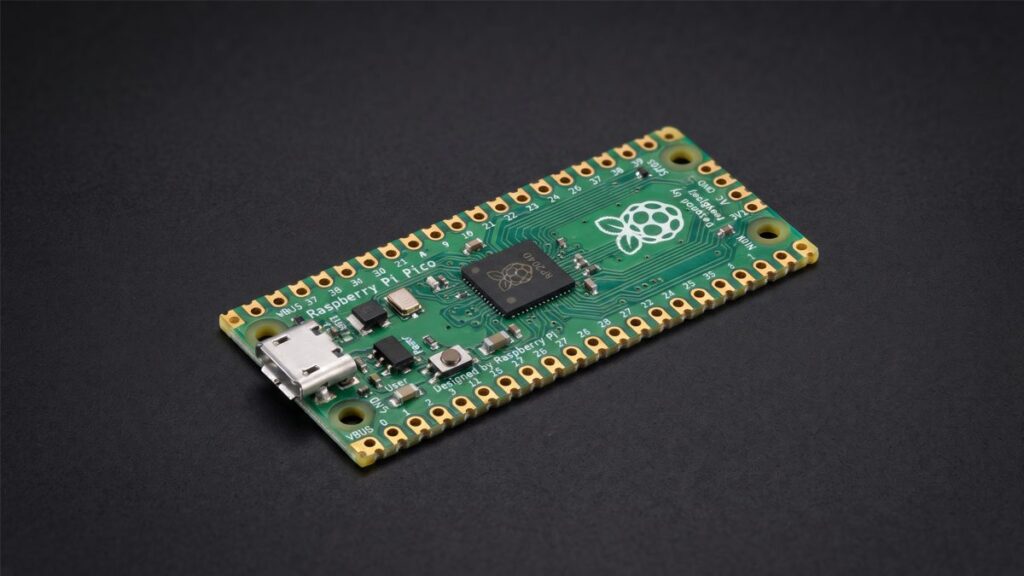
What it is: A microcontroller board built on the RP2040 chip: dual-core Arm Cortex-M0+ up to 133 MHz, 264 kB SRAM and 2 MB flash. It runs no operating system.
Key features: 26 GPIO pins, SPI, I2C and UART, USB host and device support, and programming in MicroPython or C/C++. Wireless depends on the model: the standard Pico has none, while Pico W adds 2.4 GHz Wi-Fi (and Bluetooth, per Raspberry Pi’s documentation) through its wireless chip. Newer Pico 2 boards use the RP2350.
What you can learn: Low-level embedded concepts, serial protocols, firmware behavior and USB device basics.
Project ideas:
- A serial logger for UART practice on your own hardware.
- A USB macro pad.
- A Pico W Wi-Fi sensor.
- A study of how simple firmware fails when inputs are unexpected.
Limitations: No Linux, small memory, and no wireless on the standard Pico.
Best for: Beginners in embedded and hardware security.
Comparison Table
| Device | Type | Wireless | Best for | Difficulty | Buying Link |
|---|---|---|---|---|---|
| Flipper Zero | Ready-made multi-tool | Sub-GHz, NFC, RFID, IR, BLE | Protocol exploration | Easy | View on Amazon |
| M5StickC Plus2 | ESP32 dev kit | Wi-Fi (per M5Stack docs), IR | Portable coding projects | Medium | View on Amazon |
| ESP32 | Microcontroller | Wi-Fi, Bluetooth (varies by model) | IoT and wireless learning | Medium | View on Amazon |
| ESP8266 | Microcontroller | Wi-Fi only | Cheap Wi-Fi experiments | Medium | View on Amazon |
| Raspberry Pi | Linux computer | Varies by model | Home labs, monitoring | Easy to medium | View on Amazon |
| Raspberry Pi Pico | Microcontroller | None (Pico W: Wi-Fi) | Embedded fundamentals | Medium | View on Amazon |
How Should Beginners Choose Their First Device?
- Want something that works out of the box? Start with Flipper Zero.
- Want to learn Linux and defense? Choose a Raspberry Pi.
- Want to code wireless projects cheaply? Pick an ESP32 or M5StickC Plus2.
- Want to understand hardware from the ground up? Try a Raspberry Pi Pico.
- Only need Wi-Fi on a tiny budget? An ESP8266 will do.
Buy one device, finish three small projects, then expand. Pair it with free practice labs and a structured learning path so the hardware reinforces what you study.
Ethical and Legal Security Testing
Owning a device is usually legal; misusing it is not. Follow these rules:
- Test only devices and networks you own, or have written permission to assess.
- Keep experiments in an isolated lab, away from neighbors’ networks and shared spaces.
- Learn your local laws on computer misuse and radio transmission. This is not legal advice.
- Never interfere with others’ wireless services, access cards or vehicles.
- Report vulnerabilities responsibly.
Conclusion
The best cybersecurity devices for beginners are the ones you actually use. Flipper Zero teaches radio and access control, the ESP boards teach wireless and IoT, the Raspberry Pi teaches Linux and defense, and the Pico teaches the embedded fundamentals underneath it all. Start small, stay within the law, and document what you learn.
FAQs
1. What is the best cybersecurity device for a beginner?
Flipper Zero is the easiest all-in-one start; a Raspberry Pi is better if you want Linux and defensive skills.
2. Is Flipper Zero legal?
Owning one is legal in many countries, but legality depends on how you use it and on local law. Use it only on your own equipment or with permission.
3. What is the difference between ESP32 and ESP8266?
Both have 2.4 GHz Wi-Fi, but the ESP8266 has no native Bluetooth. The ESP32 adds Bluetooth on most models, and capabilities vary by variant.
4. Does the Raspberry Pi Pico have Wi-Fi?
Only wireless models such as the Pico W include it (2.4 GHz Wi-Fi, plus Bluetooth). The standard Pico does not.
5. Do I need hardware to learn cybersecurity?
No. Virtual labs cover most fundamentals. Hardware adds hands-on understanding of wireless, IoT, and embedded security.
Also Learn: Cybersecurity Devices for Beginners: Five Small Devices With Big Potential
Affiliate Disclosure: As an Amazon Associate I earn from qualifying purchases. If you make a purchase through them, I may receive a commission, and your price will remain the same.
Discover more from Jahid Shah
Subscribe to get the latest posts sent to your email.