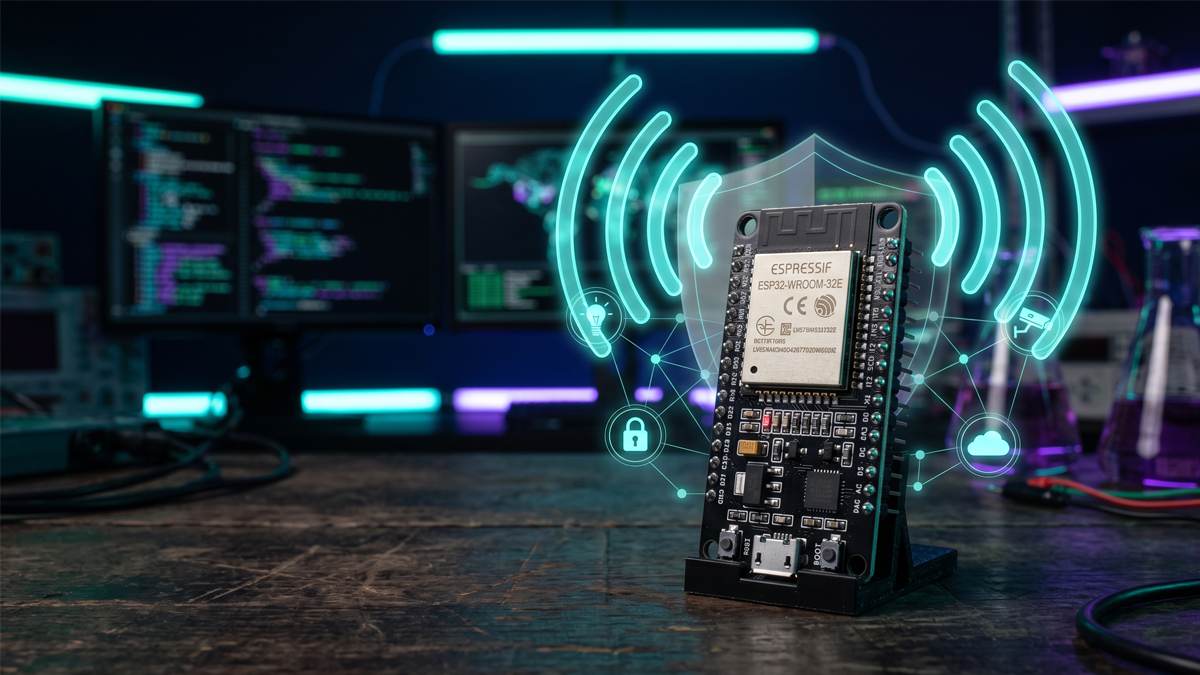




Cybersecurity devices for beginners don’t have to look like props from a hacker movie. A few small, fairly affordable pieces of hardware can show you how logins are protected, how networks behave, how embedded gadgets talk to the world, and how wireless signals work. Two of them also strengthen your own defenses the day you start using them.
This guide explores five useful tools for cybersecurity enthusiasts: a Raspberry Pi for hands-on experiments, a hardware security key for stronger authentication, a USB data blocker for safer charging, a programmable development board for electronics projects, and a Wi-Fi development board for wireless security testing. For each one you’ll see what it does, what it can teach or protect, where it falls short, and which product type to look at. You’ll also find a comparison table, a set of legal starter projects, and a section on responsible use.
One honest note first: you don’t need any hardware to begin. Browser-based labs cover a lot of early ground, and TryHackMe makes the same point in its own beginner advice. If you want free practice first, try these cybersecurity games for learning hacking concepts. Hardware earns its place when you have a specific goal: running your own isolated lab, understanding physical interfaces, or hardening your accounts.
Why Cybersecurity Hardware Matters
A virtual machine can teach you a great deal about software. It can’t give you a real power budget, a physical port that something can be plugged into, a radio that hears nearby networks, or the debug pins on a circuit board. Hardware makes those ideas concrete. Plugging a phone into an unfamiliar port and seeing what it asks you teaches the difference between power and data faster than a diagram does.
Educators have used the approach for years. A 2016 paper in the Journal of Computing Sciences in Colleges describes teaching computer security with Raspberry Pi boards, citing lower costs, isolated sandboxes and flexible assignments as the main benefits (Villa, 2016).
It helps to separate two categories:
- Learning tools are cheap, flexible and unsupported. They teach you how things work, but they come with no guarantees and no monitoring.
- Professional security solutions are managed, certified and built to scale: firewalls, endpoint detection, identity platforms, and the people who run them.
None of the five devices below replaces a professional control or basic hygiene like patching and backups. The one partial exception is the hardware security key, which is both a learning tool and a legitimate, standards-based security control.
Five Cybersecurity Devices Worth Knowing
1. Raspberry Pi for Building a Cybersecurity Lab
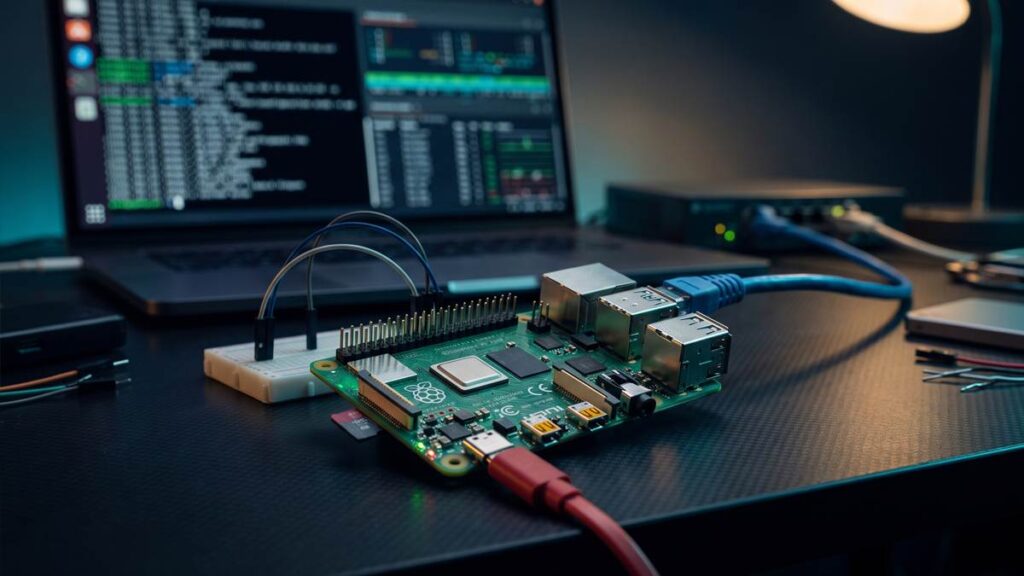
A Raspberry Pi is a compact, energy-efficient computer that can run Linux and support a wide range of programming, networking, and cybersecurity projects. The current flagship, the Raspberry Pi 5, has a quad-core 2.4 GHz Arm Cortex-A76 processor, dual-band Wi-Fi, Bluetooth 5.0, Gigabit Ethernet, two USB 3.0 and two USB 2.0 ports, and a 40-pin GPIO header, according to Raspberry Pi’s product information.
How it supports learning and defense
- A dedicated, always-on lab node. It sips power, so it can sit on your network running services you harden and monitor.
- A practice target. A common pattern is to run a deliberately vulnerable web app (such as DVWA) on a Pi and test it from a laptop on the same isolated network. Because the Pi is a separate machine, a mistake can’t damage your main computer.
- Home network defense. A Pi can run DNS-level filtering with Pi-hole, a classic first project that teaches how DNS works.
Beginner project ideas
- Set up Pi-hole and watch which domains your devices query.
- Harden a fresh Pi: update it, use SSH keys instead of passwords, and enable a firewall.
If you want to learn more about the software that powers a Raspberry Pi, start with our beginner-friendly guide to its compatible operating systems. - Host a vulnerable practice app on an isolated network, then scan it from your laptop. Our complete Nmap guide covers the scanning side.
What you need: the board, a suitable USB-C power supply (the Pi 5 expects 5 V and a high current rating, so the official supply is the safe choice), a microSD card, a case with cooling, and a laptop for the other side of the lab. NVMe storage needs a separate add-on board.
Limitations
- It’s an Arm computer, so some x86-only tools and virtual machine images won’t run on it.
- microSD cards can wear out or corrupt, so keep backups of anything you care about.
- Raspberry Pi list prices changed several times in 2026 because of memory costs, so check the current price before you plan a multi-board lab.
- You can practice essential Linux commands for free by setting up a virtual machine on your existing laptop, without purchasing any additional hardware.
Who should consider it: beginners who are comfortable with a terminal and want an inexpensive, dedicated lab or home-network project. For lighter use, a Raspberry Pi 5 with 4 GB of memory is a reasonable middle option as a rule of thumb, but check what you actually plan to run.
Check the Raspberry Pi 5 on Amazon
2. Hardware Security Keys for Stronger Authentication
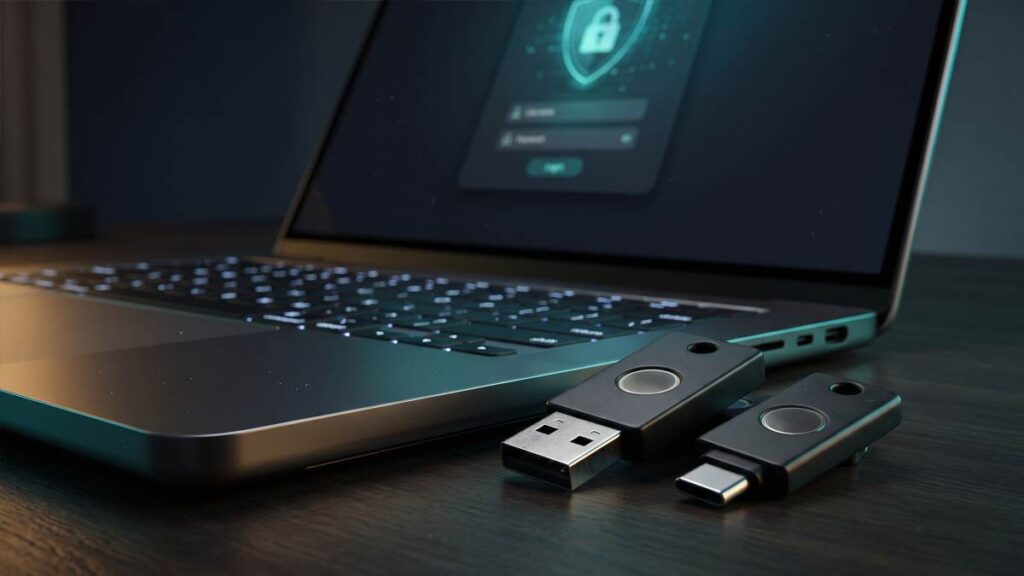
A hardware security key is a small USB and/or NFC device that proves who you are when you sign in. It uses the FIDO2 and WebAuthn standards, which rely on public-key cryptography instead of a shared secret like a password or a one-time code. The FIDO Alliance describes this approach as phishing-resistant by design, because there’s no secret for a fake site to capture.
In plain terms: when you sign in, your browser tells the key which website is asking, and the key only answers for the real site it registered with. A look-alike phishing page gets nothing usable.
Passkeys and security keys. A passkey can be synced across your devices through a cloud service, or device-bound so it never leaves one device. The FIDO Alliance notes that passkeys on FIDO security keys are device-bound. That makes keys a good fit for your most important accounts, such as your email, password manager and domain registrar.
Account compatibility. A key only helps where the service supports it. Many major services do, but check each account’s security settings, and check the key vendor’s compatibility list before you buy. See our guide to password security tools for how keys fit alongside a password manager.
Recovery matters more than people expect
- Register at least two keys per important account. Some services require this, and some experts recommend it even when it’s optional.
- Store the backup key somewhere safe, away from the first.
- Save any recovery codes offline.
- Review fallback options such as SMS or email resets. A weak fallback can undo the protection a strong key provides.
Limitations. A key protects the sign-in step. It doesn’t stop malware already on your device, and it doesn’t help on services that don’t support it. If you lose every key and have no recovery path, you can lock yourself out.
Choosing a model. Yubico’s Security Key series supports FIDO2/WebAuthn and FIDO U2F only, and it does not work with OATH or PIV credentials; those need the YubiKey 5 series (Yubico). The Security Key C NFC has USB-C plus NFC, so it suits modern laptops and NFC-capable phones. If your computer or phone only has USB-A, look at the USB-A variant instead. For most beginners, FIDO-only is enough. Choose the broader YubiKey 5 series only if you know you need extra protocols such as PIV smart card or OpenPGP.
Who should consider it: anyone with an email, financial or developer account worth protecting, which is nearly everyone.
Explore hardware security keys on Amazon
3. USB Data Blockers for Safer Public Charging
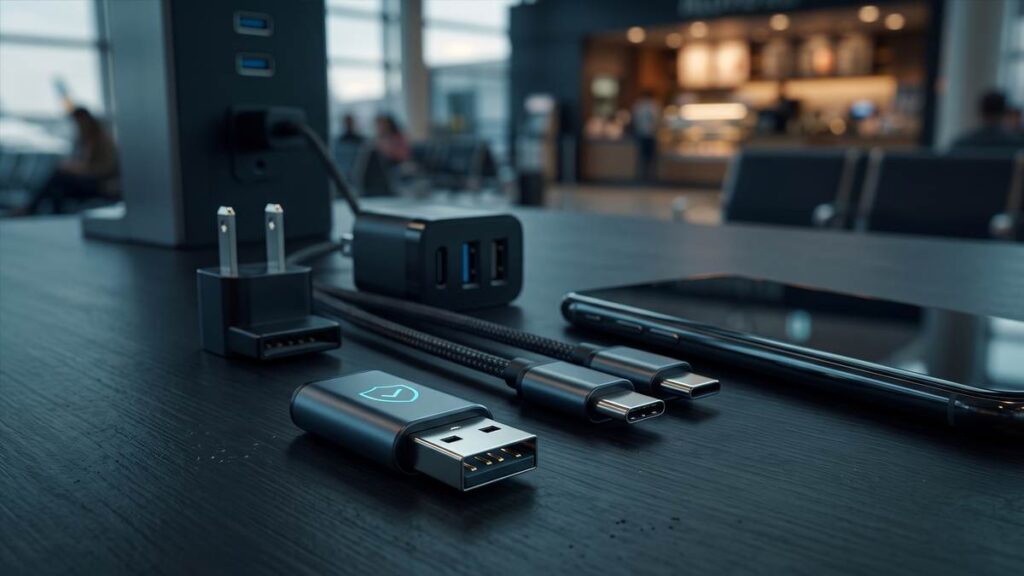
A USB data blocker is a small adapter that passes power but leaves the data lines disconnected. Its purpose is to reduce “juice jacking,” the idea that a tampered public USB port could try to pull data from your phone or push malware onto it.
How real is the risk? It’s been demonstrated, but it’s hard to measure in the wild. Kaspersky’s overview points out that many reported examples come from academic research and demonstrations rather than verified victim reports. The FBI’s Denver office and the FCC have both urged people to avoid public USB charging stations, and the FCC suggests using an AC outlet and carrying your own charger and cable. Modern phones also generally ask before allowing data access over USB. Treat juice jacking as a low-probability risk that’s cheap to avoid, not an everyday emergency.
Safer charging habits, most effective first
- Use your own charger in a wall outlet.
- Carry your own cable, or a power bank.
- If you must use a public port, use a data blocker or a charge-only cable from a reputable maker.
- If your phone asks to trust the device or allow data transfer, say no and unplug.
Limitations
- Slower charging is possible. Certain fast-charging technologies rely on communication between the charger and your device through data connections. Using a USB data blocker can interfere with that process, potentially reducing charging speed to the standard rate.
- It doesn’t fix an untrusted cable. A blocker protects the port end. If you plug in someone else’s cable, the cable itself is the risk.
- It doesn’t address other threats such as phishing, malicious apps or compromised accounts.
- Connector type matters. A USB-A blocker fits USB-A ports. Many phones and laptops use USB-C, so match the blocker to the port you’ll actually be plugging into.
- A simple sanity check. Plug the data blocker into your computer’s USB port, then connect your phone through it to help prevent unwanted data transfers. If the phone charges but the computer sees no data connection, it’s doing its job.
Who should consider it: frequent travelers and anyone who often charges from airport, hotel, café or conference ports. If you always use your own charger and outlet, you may not need one.
View USB data blockers on Amazon
4. Programmable Development Boards for Hardware Security Learning
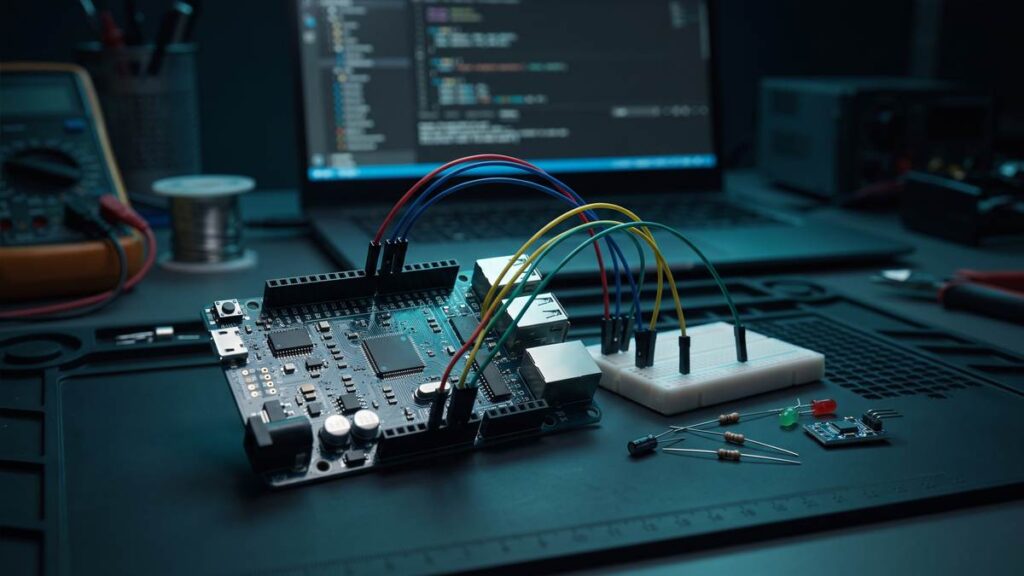
A programmable development board is a microcontroller on a small circuit board. Unlike a Raspberry Pi, it runs a single program and has no operating system, which is closer to what’s inside routers, sensors, smart plugs and many other embedded devices. That’s what makes it useful for hardware security education.
What you can learn
- Hardware interfaces. UART serial consoles, SPI and I2C buses, and debug ports like SWD are how embedded devices are built, tested and, sometimes, attacked.
- Firmware basics. You write a small program, flash it, and see how code lives on a chip.
- Defensive design. You can compare a naive design with a hardened one. For example, build a keypad lock, then add rate limiting and see how it changes how quickly guessing could succeed.
Suitable boards. The Raspberry Pi Pico 2 is powered by the RP2350 microcontroller, which introduces enhanced security capabilities over the first-generation Pico. For technical details about these improvements, consult the official RP2350 datasheet. It supports MicroPython and C/C++, which is friendly for beginners. The Arduino UNO R4 Minima is another option if you want the 5 V UNO ecosystem and the large library of existing shields and tutorials. Check the vendor’s documentation for voltage levels before wiring anything: the Pico family uses 3.3 V logic, and a level shifter may be needed for 5 V signals. Also check the chip revision notes, because early RP2350 silicon has a documented erratum.
What you’ll need beyond the board: a breadboard, jumper wires, a USB cable and, for serial work, a USB-to-serial adapter that matches your voltage level.
Limitations. There’s an electronics learning curve, and you’ll spend time reading datasheets. A board like this doesn’t ship with security-testing tools, and that’s the point: you build and observe your own experiments. Examining commercial devices you don’t own or aren’t authorized to test is a different matter, so stay within your own hardware.
Who should consider it: learners curious about embedded systems, IoT security and how hardware is designed before they ever touch a vulnerable device.
Compare programmable development boards on Amazon
5. Wi-Fi Development Boards for Wireless Security Education
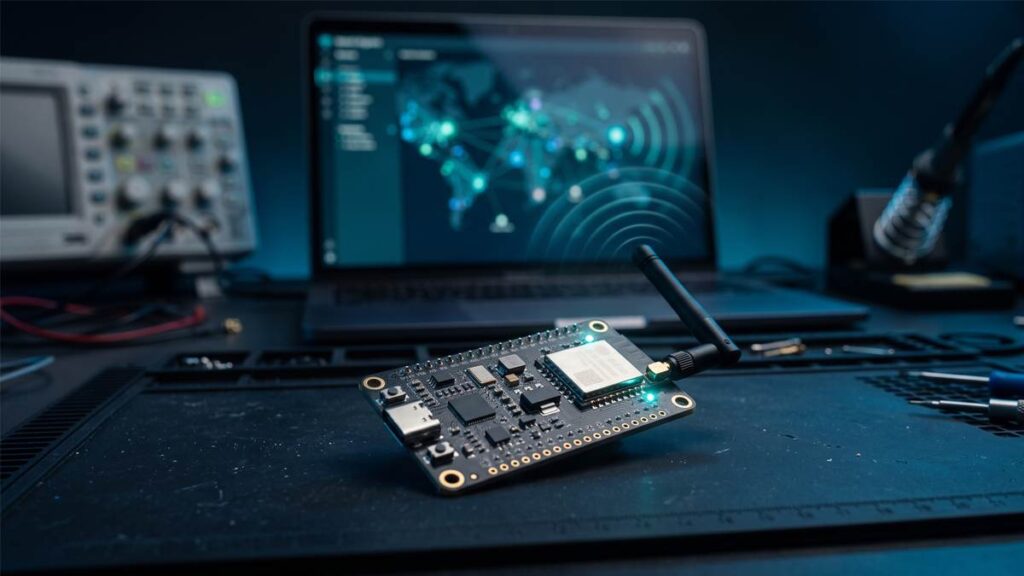
A Wi-Fi development board is a microcontroller with a built-in radio. The best-known family is Espressif’s ESP32, but the details differ by chip, so don’t assume every board does everything.
Know your chip
- The original ESP32, ESP32-S3 and ESP32-C3 are generally described as 2.4 GHz Wi-Fi parts. The ESP32-C5 adds dual-band 2.4 GHz and 5 GHz Wi-Fi 6, according to Espressif’s product page.
- The Raspberry Pi Pico 2 W offers 2.4 GHz 802.11n and Bluetooth 5.2, per its official datasheet.
- The Arduino UNO R4 WiFi pairs its main chip with an ESP32-S3 for wireless (Arduino docs).
Features like monitor-style packet capture are documented for some chips and not others. Always confirm your exact chip and module in the vendor’s documentation before you buy.
What you can learn
- Station and access-point modes. ESP32 boards can join a network or create their own, which helps you understand how clients and routers interact.
- Scanning your environment. A basic scanner can list nearby networks with their channel, signal strength and encryption type. Running it at home shows you what your own router advertises. Our ESP32 cybersecurity guide goes deeper on the platform.
- Encryption in practice. Connect a board to your own network over TLS and see what changes compared with plain HTTP. Published research has also examined how the original ESP32 protects its keys, which makes it a good study subject.
Limitations and responsible use. Only perform security assessments on your own networks or on systems for which you have explicit authorization from the owner. Some boards are sold with firmware built around disruptive wireless attacks. This guide doesn’t cover those, and using them against other people’s networks is illegal in many places. Modern protections such as WPA3 also mean that techniques shown in older videos often no longer work against up-to-date networks. A development board is a learning platform, not a replacement for a dedicated professional wireless toolkit.
Who should consider it: beginners who want to see how Wi-Fi and IoT devices behave on a network they control, at a low price.
Check compatible Wi-Fi development boards on Amazon
How to Choose the Right Cybersecurity Device
Start from your goal, not from the gadget.
| Device | Main purpose | Cost category* | Learning curve | Ideal user |
|---|---|---|---|---|
| Raspberry Pi | Lab, home-network projects | Medium (plus accessories) | Moderate | Terminal-comfortable beginners |
| Hardware security key | Phishing-resistant sign-in | Low to medium | Low | Anyone with important accounts |
| USB data blocker | Safer public charging | Low | Very low | Frequent travelers |
| Programmable board | Embedded and hardware basics | Low | Moderate to high | Curious tinkerers |
| Wi-Fi board | Wireless and IoT basics | Low | Moderate | Beginners learning networks |
*Relative categories, not quotes. Prices change, and Raspberry Pi pricing in particular moved several times in 2026. Check live listings.
Quick picks and what to check before buying
| Device category | Recommended product or model | Best use case | Key buying consideration | Product link |
|---|---|---|---|---|
| Lab computer | Raspberry Pi 5 | Isolated lab, Pi-hole | Power supply, storage, cooling are extra | Check on Amazon |
| Security key | Yubico Security Key C NFC | Phishing-resistant login | FIDO-only; buy two; match USB-C/USB-A | Check on Amazon |
| Data blocker | PortaPow USB Data Blocker | Public charging | Match the connector; may slow charging | Check on Amazon |
| Programmable board | Raspberry Pi Pico 2 | UART/SPI/I2C practice | 3.3 V logic; needs breadboard, wires | Check on Amazon |
| Wi-Fi board | Espressif ESP32 dev board (confirm exact chip) | Wi-Fi scanning on your network | 2.4 GHz vs dual-band varies by chip | Check on Amazon |
If you can only buy one thing this month, a pair of security keys gives the biggest immediate protection. If your goal is learning, pick the single board that matches what you’re curious about.
Beginner-Friendly Projects to Try
All of these are legal when done on your own equipment and accounts.
| Project | Device | Prerequisites | What you’ll learn |
|---|---|---|---|
| Network-wide DNS filtering | Raspberry Pi | Basic terminal skills | How DNS works and what your devices contact |
| Isolated practice target | Raspberry Pi + laptop | A separate network or direct cable | Scanning, patching, and safe lab design |
| Two-key account setup | Security keys | Two keys, an important account | Enrollment, backups, recovery planning |
| Charging-prompt test | Phone + your own computer | None | What data-access prompts look like |
| Blocker sanity check | USB data blocker | A phone and a computer | How to verify a blocker blocks data |
| UART or I2C serial logger | Pico 2 | Breadboard, wires, 3.3 V awareness | How embedded devices communicate |
| Rate-limited keypad lock | Programmable board | Basic coding | Why lockout logic matters |
| Own-network Wi-Fi scanner | ESP32 or similar | Arduino or MicroPython basics | Reading channels and encryption modes on your network |
Safety, Privacy, and Ethical Considerations
- Get permission. Only test systems and networks you own or have written authorization to test. Owning a tool is not the same as being allowed to use it on someone else’s network.
- Respect privacy. Don’t capture or store other people’s data. Even passive observation can raise legal and ethical questions in some places.
- Know your local laws. Computer misuse and communications-interception laws vary by country. Examples include the U.S. Cybersecurity laws, including the U.S. Computer Fraud and Abuse Act (CFAA) and the UK’s Computer Misuse Act, regulate unauthorized access to computer systems. Legal requirements vary by jurisdiction, so review the laws applicable to your location before conducting security tests. This information is for educational purposes only and does not constitute legal advice.
- Isolate your lab. Keep vulnerable practice targets off your main network and off the public internet. Use a separate network or a direct cable, and keep personal data off lab machines.
- Avoid overclaiming. No device on this list makes you unhackable. A security key protects sign-ins, a data blocker protects one data path, and a lab teaches skills. Each is one layer.
Frequently Asked Questions
1. What are the best cybersecurity devices for beginners?
It depends on your goal. For protection, start with a pair of hardware security keys. For learning, a Raspberry Pi suits lab work, a Pico-style board suits embedded basics, and an ESP32-class board suits Wi-Fi and IoT basics.
2. Do I need to buy hardware to learn cybersecurity?
No. Browser-based labs and virtual machines cover many fundamentals for free. Hardware helps once you want to explore physical interfaces, build an always-on lab, or secure your accounts.
3. Is juice jacking real?
It has been demonstrated in research, and agencies like the FCC advise caution. Verified real-world victims are hard to find, and modern phones usually ask before allowing data access. Using your own charger and outlet removes most of the risk.
4. Are USB data blockers worth it?
They can be, for people who often charge from public ports. They’re inexpensive, but they don’t replace using your own charger, and they may slow fast charging.
5. Do I need two security keys?
Plan on it. If you lose your only key, you could lose access to the account. A backup key, stored separately, is the simplest protection against that.
6. Can a Raspberry Pi replace my laptop for cybersecurity practice?
Not entirely. It’s an excellent companion for isolated labs and always-on services, but its Arm design and modest power mean some tools and virtual machines work better on a regular laptop.
7. Is it legal to use an ESP32 for Wi-Fi security testing?
Owning one is legal in most places. What matters is what you do with it. Stick to networks you own or are authorized to test, avoid disruptive attacks, and check your local laws.
Conclusion
Small devices can teach big lessons, but only when each has a job. A hardware security key hardens your accounts right away. A USB data blocker closes one specific, low-probability risk. A Raspberry Pi gives you a safe place to practice, while programmable and Wi-Fi development boards show you how embedded and wireless systems really work.
A sensible starting order for most beginners: protect your accounts with two security keys, then choose one learning device that matches your curiosity. Work only on equipment you own, keep your lab isolated, and pair the hardware with structured learning, such as our free SOC analyst roadmap for beginners.
Affiliate Disclosure: As an Amazon Associate I earn from qualifying purchases. If you make a purchase through them, I may receive a commission, and your price will remain the same.
Discover more from Jahid Shah
Subscribe to get the latest posts sent to your email.