



Want to work toward an entry-level Security Operations Center (SOC) role but don’t know where to begin? The hard part is usually the order of study, not a lack of material. This free SOC analyst roadmap for beginners walks through seven weeks of YouTube lessons, moving from security basics to networking, Linux, hands-on tools, and log analysis.
What does a SOC analyst do?
A SOC analyst watches the alerts generated by an organization’s security tools, investigates suspicious activity, and decides whether to close an alert or escalate it. At the entry level, much of the work is triage: reading logs, checking whether an alert is a real threat, and documenting what was found.
Why the order matters
A tool like Splunk is hard to use well if you don’t understand networks, operating systems, and basic attack concepts. Learning the foundations first makes the tools easier to understand and gives alerts some meaning.
Week 1: Cybersecurity fundamentals
Harvard’s CS50 introduction to cybersecurity covers securing accounts, data, systems, and software, and treats security as a balance of risk, cost, and usability. It is a long course, so take notes on the main ideas rather than trying to memorize everything.
Learning outcome: explain in plain language how accounts and systems are attacked and which basic defenses reduce the risk.
Week 2: Computer networking basics
This short lesson is the first in a free CCNA series and introduces what a network is. Networking matters because most alerts involve traffic between devices. If the topic clicks, the linked playlist continues with more lessons.
Continue with the full playlist
Learning outcome: describe what a network is and why analysts need to understand network activity.
Week 3: Linux fundamentals
This beginner course covers Linux distributions, the command line, processes, file operations, text manipulation, and network operations. Focus on the command-line chapters, because many security tools run on Linux.
Learning outcome: move around the file system, inspect running processes, and search text files from the command line.
Week 4: Security+ orientation
This video explains the CompTIA Security+ certification requirements and how to study for it. Use it to decide whether the certification fits your goals, and to see how a structured security curriculum is organized. The linked playlist from the same channel offers more.
Learning outcome: explain what Security+ is and decide whether to include it in your study plan.
Week 5: Hands-on tools with Kali, Nmap and Wireshark
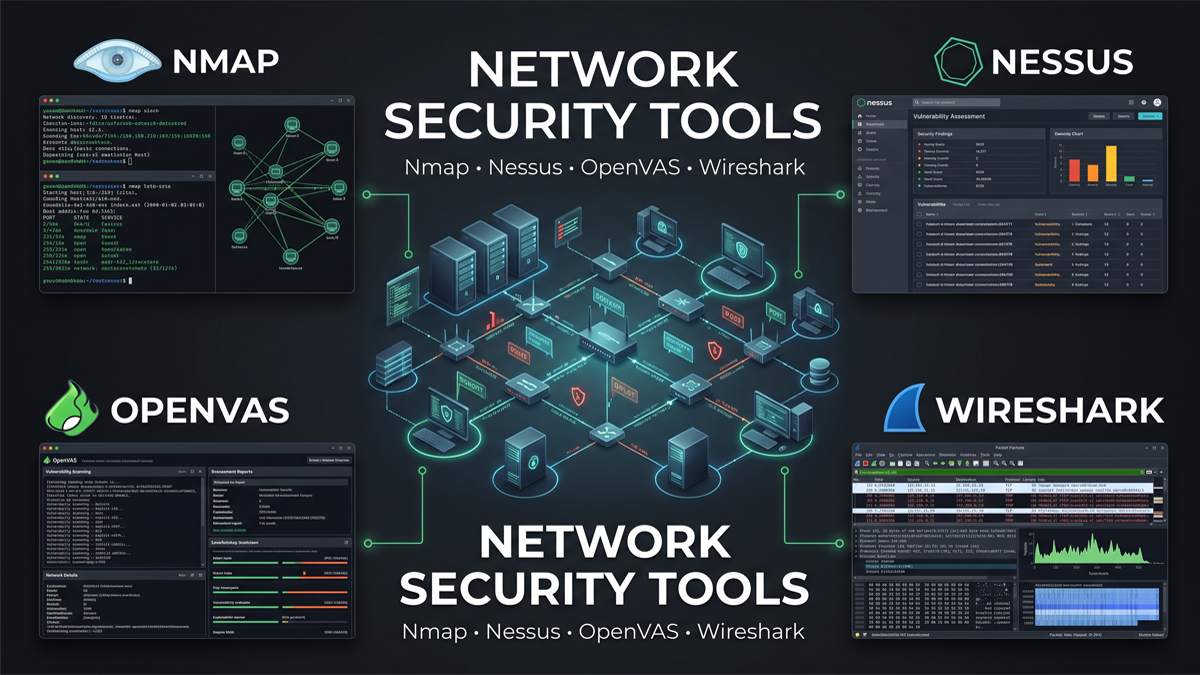
In this week, you’ll explore Kali Linux in a practical learning environment, use Nmap to understand how network ports are discovered, and examine network traffic with Wireshark to learn how data packets travel between devices. The video below starts at the Wireshark section, and you can rewind for the earlier chapters. The course includes offensive techniques, so practice only on equipment you own or have explicit permission to test.
Learning outcome: run a basic port scan in your own lab and open a packet capture in Wireshark.
Week 6: Splunk and log analysis
This tutorial covers installing Splunk, bringing in logs, running basic searches, building a table, and creating a dashboard. Splunk is one of several SIEM tools, but the concepts carry over to others.
Learning outcome: load sample logs, search them, and build a simple dashboard.
Week 7: Security tools in the bigger picture
This Microsoft security course is broad. To prepare for SOC Analyst roles, study the sections that explain SIEM, SOAR, XDR, and EDR technologies, along with the MITRE ATT&CK framework. Later in the course, explore the Microsoft Sentinel module to understand how cloud-based security monitoring and threat detection work. It dates from 2021, so product names and exam details have changed, and it is best used for concepts. The video below starts at the SIEM segment.
Learning outcome: explain how a SIEM and endpoint detection tools fit together in a SOC workflow.
How to use this roadmap
- Take notes in your own words after every video.
- Practice each concept: run commands, capture traffic, search logs.
- Review the previous week before starting the next.
- Fill gaps. None of these videos is a dedicated Windows lesson, and Windows event logs are common in SOC work, so add a Windows resource.
Be realistic about seven weeks
Seven weeks is a structured schedule, not a promise of job readiness or employment. Several of these videos run for hours, so many learners will need longer plus more hands-on lab practice.
Start Week 1 today
Open the first video, take notes on the first section, and set aside regular study time this week. Steady progress through the fundamentals will do more for you than jumping straight to advanced tools.
Also, learn –
- Free Cybersecurity Certifications for Beginners: 11 Resources and What They Really Cost
- Sherlock OSINT on Android: Find Social Media Accounts by Username with Kali NetHunter and Termux
- Best Hacking Operating Systems: Kali, Parrot, BlackArch, Tails & CAINE
- 7 Tech Series Every Cybersecurity Fan Should Watch
- ESP32 Cybersecurity: Why It Matters for IoT Security
Discover more from Jahid Shah
Subscribe to get the latest posts sent to your email.